The quote is in there.
Now it's on your timeline.
Search hours of interviews by who spoke and what they said, find b-roll by describing it, and send both to DaVinci Resolve or Final Cut Pro.
“python an important note”
Pay once, Regular price $249 $199. No subscription. 1 year of updates included. 30-day refund.
Needs an M1 or later · 16 GB+ memory (64 GB recommended) · macOS 14+Will it run on my Mac?
Open Apple menu → About This Mac. If Chip says Apple M1 or later, Memory is 16 GB or more and macOS is 14 or newer, Orcah runs.
Memory sets how deeply each clip is indexed. 16 GB gets basic indexing: faces, objects, colour, on-screen text, transcripts with speakers and short frame captions, one frame every 2 seconds. 24 GB runs the same pass with more headroom, so your editor can stay open while it indexes. 32 GB and up add full AI scene descriptions and sample every second. 8 GB Macs and Intel Macs aren't supported.
Leave 20 GB free for the on-device models.
Doesn't run well on yours? Full refund within 30 days.
You know they said it. You don't know where.
Interviews run for hours, b-roll piles up across drives, and the moment you need is never in the selects.
The client wants a cut line back
A quote that didn't make the first edit, somewhere in six hours of interviews.
A drive of legacy footage arrives
Years of clips with camera filenames, and nobody logged what's on them.
B-roll by memory
You remember the shot, not which card it came off. Scrubbing for it costs the afternoon.
It logs the footage for you.
Every clip is split into scenes, and every scene is indexed the ways an editor searches.
Who spoke, and what they said
Transcription with speaker labels. Search a phrase and land on the second it was said.
Faces
Label a contributor once and find every scene they appear in, across every card.
What the shot looks like
Describe it, drop in a frame, or pick a colour. Shot type and camera movement are indexed too.
What it sounds like
Find scenes by a sound you describe or by an audio clip you drop in.
Text on screen
Slates, signs, lower thirds and documents caught on camera.
Ask the agent
Describe the moment the way you remember it and the agent runs the searches.
Client footage stays on your Mac.
Indexing runs locally. Nothing is uploaded. Telemetry is off until you turn it on.
That matters for work under NDA and unreleased projects. Once the models have downloaded you can switch off Wi-Fi and keep indexing.
What you need.
Check this before you buy. On a Mac below these specs, Orcah will be slow or won't run.
- Mac
- Apple Silicon, macOS 14.0 or later
- Memory
- 16 GB minimum (basic indexing), 64 GB recommended
- Disk
- 20 GB free for the local models
- Formats
- .mp4, .mov, .m4v, .avi, .mkv, .webm, .ogv and .mxf
- Footage
- Internal drive, external SSD or NAS; linked in place
- Editors
- DaVinci Resolve (Free or Studio), Final Cut Pro, Adobe Premiere Pro
Black Friday price, ends Sun, Nov 30, 11:59 pm PT
$199 once. No subscription.
A lifetime license with 1 year of updates. After that, renewing for new features is optional.
- Use it on up to 2 computers
- Transcription with speakers
- Visual, colour and audio match
- Face labeling
- The AI video agent
- GoPro telemetry, GPS and Strava
- Send to Final Cut Pro, DaVinci Resolve and Adobe Premiere Pro
- Works offline after setup
30-day refund, no questions asked. Email me.
Needs an M1 or later · 16 GB+ memory (64 GB recommended) · macOS 14+Will it run on my Mac?
Open Apple menu → About This Mac. If Chip says Apple M1 or later, Memory is 16 GB or more and macOS is 14 or newer, Orcah runs.
Memory sets how deeply each clip is indexed. 16 GB gets basic indexing: faces, objects, colour, on-screen text, transcripts with speakers and short frame captions, one frame every 2 seconds. 24 GB runs the same pass with more headroom, so your editor can stay open while it indexes. 32 GB and up add full AI scene descriptions and sample every second. 8 GB Macs and Intel Macs aren't supported.
Leave 20 GB free for the on-device models.
Doesn't run well on yours? Full refund within 30 days.
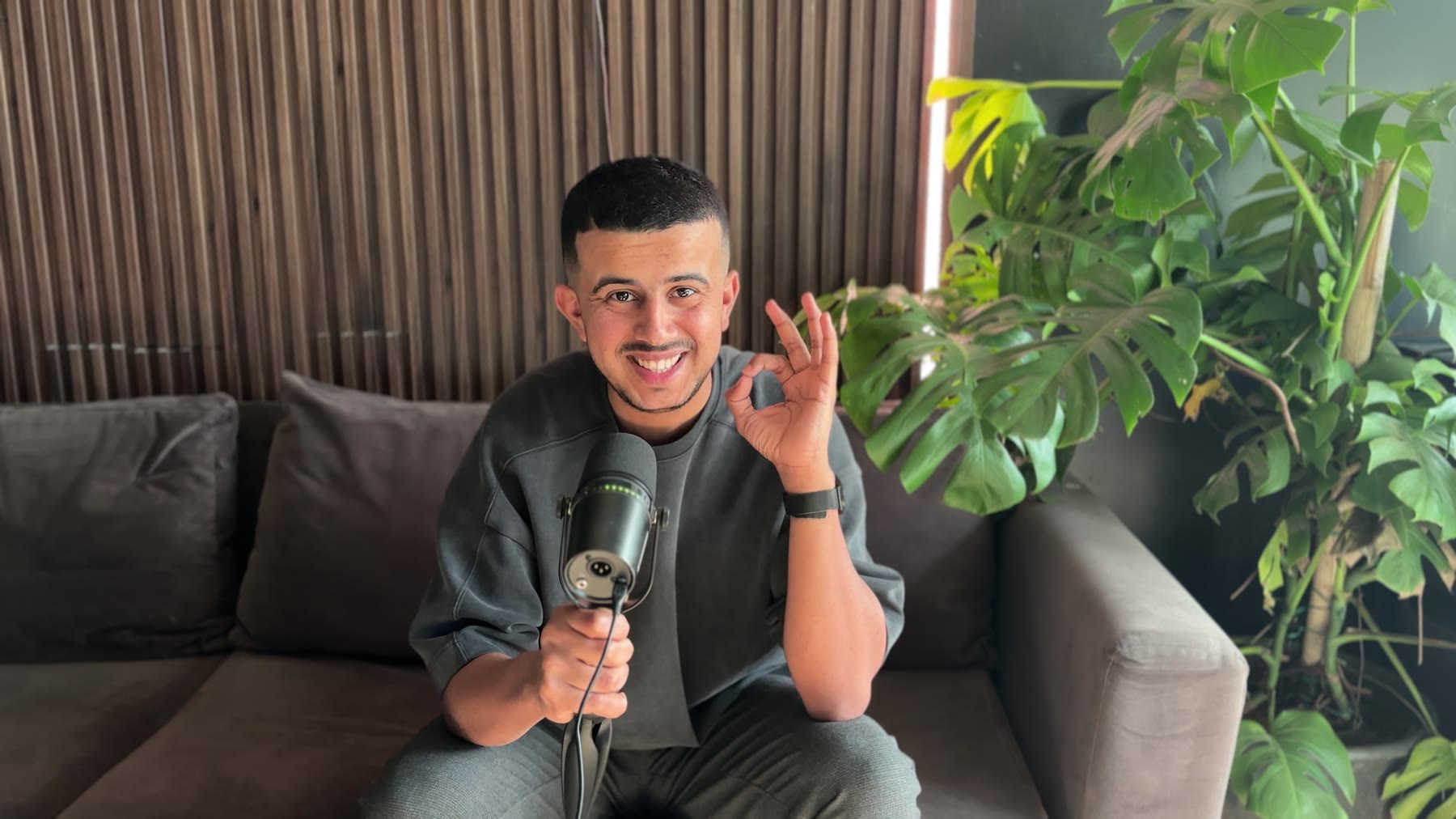
“I built it to solve my problem. Later on, I found out I'm not the only one with this problem.”
Questions from editors
Something else? Email us.
How well does it handle noisy interviews and old footage?
It reads what's in the file. Clean audio gives the best transcripts, and soft or low-resolution frames still get described, but accuracy drops as quality does. The best test is your own worst footage, which is what the 30-day refund is for. Searching digitized tapes
Which formats and sidecars does it read?
It handles .mp4, .mov, .m4v, .avi, .mkv, .webm, .ogv and .mxf, with MXF sidecars. MXF is transcoded to a working copy first, which uses some extra space next to the original. Footage FFmpeg can't open needs the free version of DaVinci Resolve installed.
Can I work from an external drive or a NAS?
Yes. Point Orcah at a folder on an internal drive, an external SSD or a NAS volume. It links to your files in place and doesn't copy or move them.
Is it safe for confidential client footage?
Indexing runs on your Mac. Nothing is uploaded, and telemetry is off until you turn it on. Once the models have downloaded you can switch off Wi-Fi and keep indexing. Privacy policy
How long does indexing take, and how much Mac do I need?
It depends on how many hours of footage you have and which Mac you have. You need an M1 or later Mac on macOS 14+, with 16 GB+ memory (64 GB recommended) and 20 GB free for the local models. Memory sets how deeply each clip is indexed. 16 GB gets basic indexing: faces, objects, colour, on-screen text, transcripts with speakers and short frame captions, one frame every 2 seconds. 24 GB runs the same pass with more headroom, so your editor can stay open while it indexes. 32 GB and up add full AI scene descriptions and sample every second. 8 GB Macs and Intel Macs aren't supported. Index a real project during the refund period to see the speed on your machine.
Which editors can I send clips to?
DaVinci Resolve (Free and Studio), Final Cut Pro and Adobe Premiere Pro. Clips arrive trimmed to the moment you found.
Find the quote.
Keep the deadline.
Pay once. No subscription. 30-day refund.