You remember the ride.
Orcah finds the clip.
Orcah lines up your GoPro footage with your Strava rides, so you can search by route, climb, speed or effort and send the clip to your editor.

Pay once, Regular price $249 $199. No subscription. 1 year of updates included. 30-day refund.
Needs an M1 or later · 16 GB+ memory (64 GB recommended) · macOS 14+Will it run on my Mac?
Open Apple menu → About This Mac. If Chip says Apple M1 or later, Memory is 16 GB or more and macOS is 14 or newer, Orcah runs.
Memory sets how deeply each clip is indexed. 16 GB gets basic indexing: faces, objects, colour, on-screen text, transcripts with speakers and short frame captions, one frame every 2 seconds. 24 GB runs the same pass with more headroom, so your editor can stay open while it indexes. 32 GB and up add full AI scene descriptions and sample every second. 8 GB Macs and Intel Macs aren't supported.
Leave 20 GB free for the on-device models.
Doesn't run well on yours? Full refund within 30 days.
Strava account required for ride matching.
Your rides are in Strava. Your footage is in GX015842.MP4.
Strava remembers every route, climb and effort. Your camera remembers none of it, and every ride leaves dozens of files that all look the same.
You know the ride, not the file
“The descent after the café stop in March” doesn't help when you're looking at a folder of GX01 files.
The camera clock is wrong
GoPro clocks drift or are set to the wrong timezone, so sorting by date lands you on the wrong part of the ride.
Recaps mean scrubbing
To build a three-minute edit, you skim hours of handlebar footage looking for the climb.
How a clip finds its ride
On the ride in the demo above, the GoPro's clock was 33 minutes fast. Matching by clock alone would have placed every clip 7 km down the road.
- 1
Connect Strava once
Sign in from Orcah's settings. Ride data is pulled to your Mac, and your sign-in stays in the macOS Keychain.
- 2
Find the ride
Each clip is checked against the rides you logged that day, allowing five minutes either side for clock drift.
- 3
Line up the tracks
For GoPro clips with GPS, Orcah slides the camera's GPS track along the ride's until they match. Satellite time beats a camera clock.
- 4
Attach the stats
Every second of the clip gets the matching distance, speed, elevation, grade and any sensor data your ride recorded.

When a match isn't possible
If the tracks stay more than 150 m apart, or no ride overlaps the clip, Orcah leaves the clip without Strava data. You can still search it by what's on screen, what's said and its GoPro telemetry. Wrong heart rate on the wrong clip would be worse than none.
Clips recorded with GPS off
Orcah corrects their time using other clips from the same camera that day. Phone clips are matched by clock only, so they're placed less precisely.
Search the way you remember the ride.
Combine ride stats with what's in the picture. Ask in plain English and the agent picks the filters.
From Strava
Only what your ride recorded
- Ride name, sport type and bike
- Distance into the ride
- Speed, elevation and grade
- Heart rate, power, cadence and temperature, with sensors
“The steepest climbs on the Scott this year”
From the GoPro
Telemetry inside GoPro files
- GPS location
- Speed
- Altitude change
- Camera shake
“Fast, rough descents near Agafay”
From the footage
Computed on your Mac
- What's in the frame
- What's said
- Faces you've labeled
- Sounds
“Riding behind someone in a white jersey”
From the search to your timeline.
Pick the clips and send them to Final Cut Pro or DaVinci Resolve, each trimmed to the moment you found.
Orcah reads your files where they are, on an internal drive, SSD or NAS. Nothing is copied or re-encoded.
What you need.
Check this before you buy. On a Mac below these specs, Orcah will be slow or won't run.
- Mac
- Apple Silicon, macOS 14.0 or later
- Memory
- 16 GB minimum (basic indexing), 64 GB recommended
- Disk
- 20 GB free for the local models
- Strava
- Any Strava account, connected from Orcah
- Cameras
- GoPro with GPS on for the best alignment; other cameras match by clock
- Footage
- Stays where it is: internal drive, SSD or NAS
Black Friday price, ends Sun, Nov 30, 11:59 pm PT
$199 once. No subscription.
A lifetime license with 1 year of updates. After that, renewing for new features is optional.
- Use it on up to 2 computers
- Transcription with speakers
- Visual, colour and audio match
- Face labeling
- The AI video agent
- GoPro telemetry, GPS and Strava
- Send to Final Cut Pro, DaVinci Resolve and Adobe Premiere Pro
- Works offline after setup
30-day refund, no questions asked. Email me.
Needs an M1 or later · 16 GB+ memory (64 GB recommended) · macOS 14+Will it run on my Mac?
Open Apple menu → About This Mac. If Chip says Apple M1 or later, Memory is 16 GB or more and macOS is 14 or newer, Orcah runs.
Memory sets how deeply each clip is indexed. 16 GB gets basic indexing: faces, objects, colour, on-screen text, transcripts with speakers and short frame captions, one frame every 2 seconds. 24 GB runs the same pass with more headroom, so your editor can stay open while it indexes. 32 GB and up add full AI scene descriptions and sample every second. 8 GB Macs and Intel Macs aren't supported.
Leave 20 GB free for the on-device models.
Doesn't run well on yours? Full refund within 30 days.
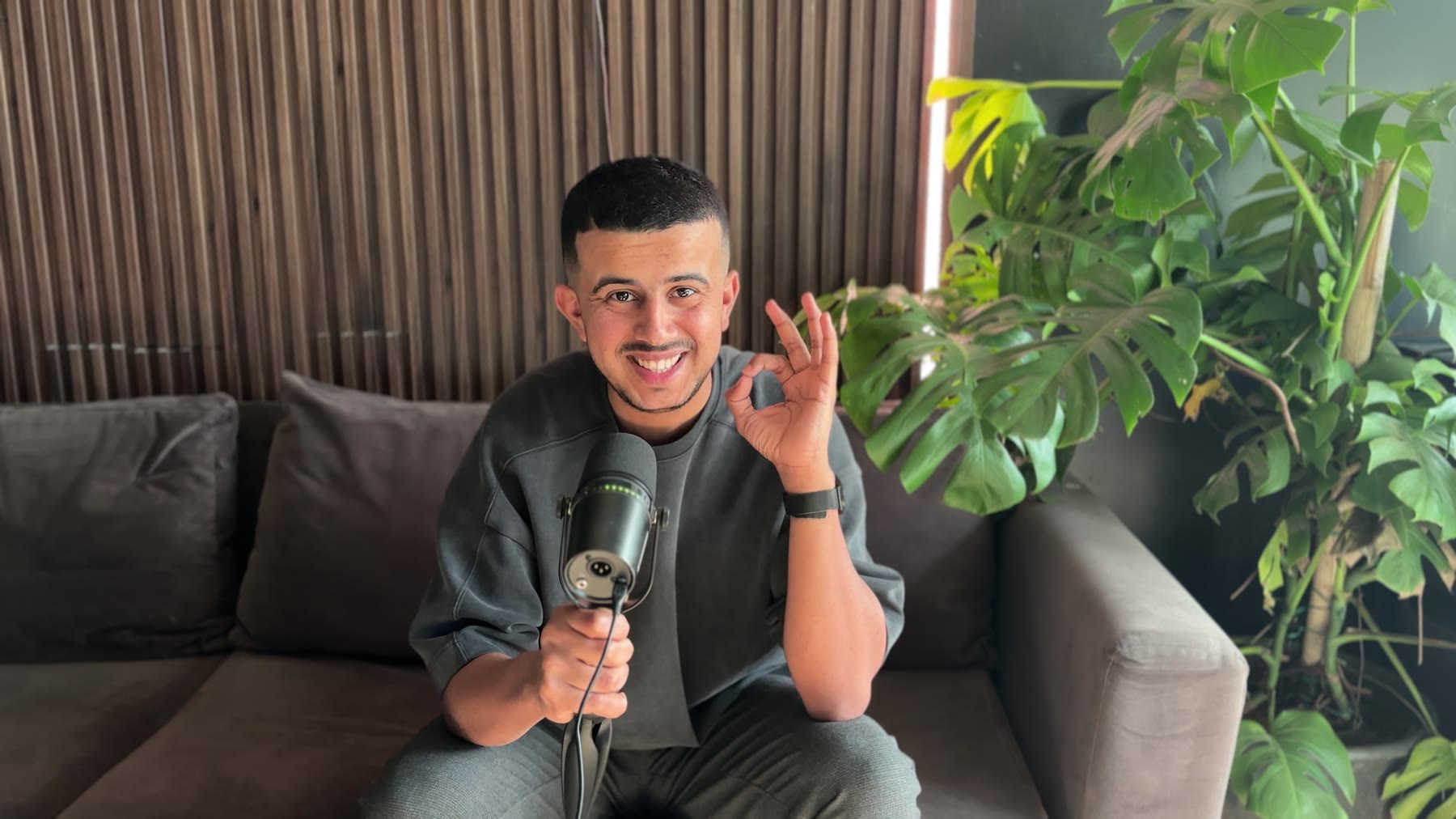
“I built it to solve my problem. Later on, I found out I'm not the only one with this problem.”
Questions from riders
Something else? Email us.
How does Orcah know which ride a clip belongs to?
It first finds the Strava activity that was running when the clip was recorded. Then, for GoPro clips with GPS, it slides the camera's GPS track along the ride's GPS track until they line up. That fixes a camera clock that is minutes off, which is common. Alignments where the two tracks stay more than 150 m apart are rejected.
What if a clip doesn't match a ride?
It gets no Strava data. You can still search it by what's in the picture, what's said and the GoPro's own telemetry. Orcah would rather attach nothing than attach the wrong ride's heart rate to a clip.
My GoPro clock is set to local time. Will that break matching?
Clock drift of a few minutes is fine. Some GoPros record local time but label it UTC, which can put a clip hours away from its ride. When that happens the clip won't match at all rather than matching the wrong ride. Setting the camera clock from the GoPro Quik app avoids it.
Does it work with footage that isn't from a GoPro?
Yes, but only by the clock. Phone and other camera clips are matched to the ride that was running when they were recorded, with no GPS alignment, so they are less precise. GoPro telemetry (speed, GPS and camera shake) is only read from GoPro files.
Which Strava stats can I search?
Whatever your ride recorded: distance into the ride, speed, elevation, grade, and heart rate, power, cadence and temperature if you rode with those sensors. Plus the ride's name, sport type and bike.
What happens to my Strava data and privacy zones?
Your Strava sign-in token is kept in the macOS Keychain and ride data is cached on your Mac. Where Strava hides location inside a privacy zone, Orcah keeps it hidden and attaches only the other stats. Orcah asks for read access to all activities, including private ones, because a lot of ride footage comes from private rides. Privacy policy
What do I need to run it?
An Apple Silicon Mac (M1 or later) on macOS 14 or later, with 16 GB+ memory (64 GB recommended) and 20 GB free for the local models, plus a Strava account. Memory sets how deeply each clip is indexed. 16 GB gets basic indexing: faces, objects, colour, on-screen text, transcripts with speakers and short frame captions, one frame every 2 seconds. 24 GB runs the same pass with more headroom, so your editor can stay open while it indexes. 32 GB and up add full AI scene descriptions and sample every second. 8 GB Macs and Intel Macs aren't supported. Your footage can stay on an external drive or NAS.