Find the moment.
Not the file.
Search years of footage by what someone said, who was there, or what the shot looked like.
Pay once. No subscription. 30-day refund.
Needs an M1 or later · 16 GB+ memory (64 GB recommended) · macOS 14+The open-source Docker version is starred on GitHub by engineers at









View on GitHubemployers from stargazers' LinkedIn, not endorsements
It watches, listens to and reads every clip.
So you can find a shot by whatever you remember about it.
Search by who and what they said. Pick a face, type a word, and land on the second it was said. Every clip is transcribed with speakers. How it works
Sends clips to Final Cut Pro, DaVinci Resolve and Premiere Pro. Searchable from Claude and Cursor over MCP.
How it works
Point it at a folder, let your Mac index it, then search and send the shot to your editor.
Your footage stays on your Mac.
Indexing runs locally. Nothing is uploaded. Once the models have downloaded, it works offline.
When the open-source Docker version launched on r/selfhosted
“Holy crap, this is the most incredible personal project I've seen on here in a long time. This is so cool. I have terabytes of old videos and photos and it's a nightmare trying to find anything.”
“The timing of this is just perfect. I just uploaded our whole family's library to self hosted Ente. Your solution is really the icing on the cake, especially because Ente nor immich does not scan or index video content.”
“Mate this is amazing work! Thank you so much for that. This is an amazing first step and I'll be definitely trying it out. Great work!”
Black Friday price, ends Sun, Nov 30, 11:59 pm PT
$199 once. No subscription.
A lifetime license with 1 year of updates. After that, renewing for new features is optional.
- Use it on up to 2 computers
- Transcription with speakers
- Visual, colour and audio match
- Face labeling
- The AI video agent
- GoPro telemetry, GPS and Strava
- Send to Final Cut Pro, DaVinci Resolve and Adobe Premiere Pro
- Works offline after setup
30-day refund, no questions asked. Email me.
Needs an M1 or later · 16 GB+ memory (64 GB recommended) · macOS 14+Will it run on my Mac?
Open Apple menu → About This Mac. If Chip says Apple M1 or later, Memory is 16 GB or more and macOS is 14 or newer, Orcah runs.
Memory sets how deeply each clip is indexed. 16 GB gets basic indexing: faces, objects, colour, on-screen text, transcripts with speakers and short frame captions, one frame every 2 seconds. 24 GB runs the same pass with more headroom, so your editor can stay open while it indexes. 32 GB and up add full AI scene descriptions and sample every second. 8 GB Macs and Intel Macs aren't supported.
Leave 20 GB free for the on-device models.
Doesn't run well on yours? Full refund within 30 days.
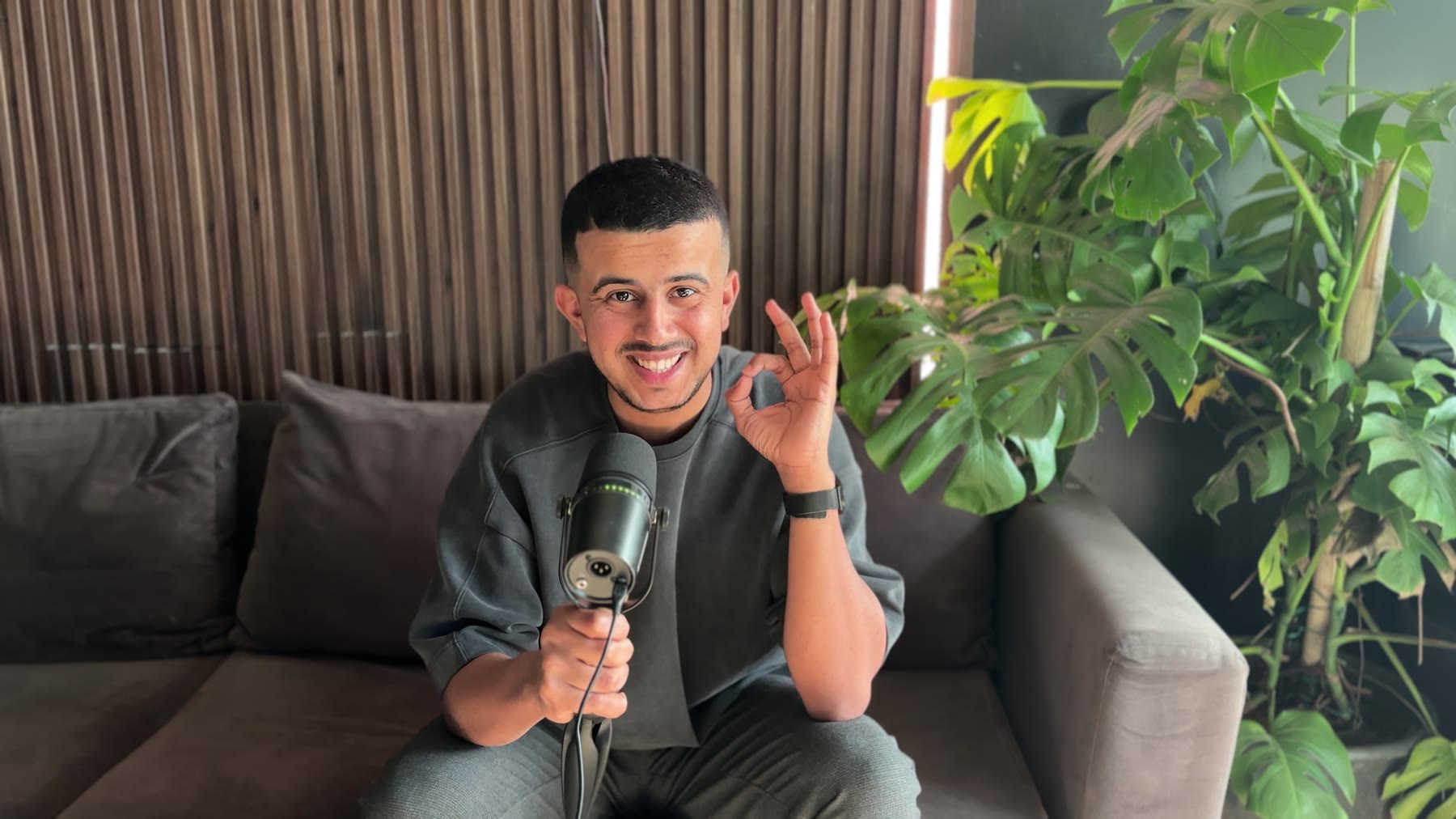
“I built it to solve my problem. Later on, I found out I'm not the only one with this problem.”
Questions
Something else? Email us.
What if it's not for me?
30-day refund, no questions asked. If it's not for you within 30 days of buying, email founder@orcah.app and you get the full $199 back.
Is this a subscription?
No. $199 is a single payment for a lifetime license, and the app never expires. After the first year you can pay $49 for another year of new features, only if you want them. If you don't renew, your version keeps working and gets security patches forever.
Is my footage private?
Yes. Everything is processed on your Mac, and nothing is uploaded.
Where does the AI agent run?
On your Mac. The agent's language model runs on-device, like indexing and search, so your questions and your footage never leave the machine. Once the models have downloaded, it works offline.
Will it run on my Mac?
An Apple Silicon Mac (M1 or later) on macOS 14 or later, with 16 GB+ memory (64 GB recommended). To check, open Apple menu → About This Mac. Memory sets how deeply each clip is indexed. 16 GB gets basic indexing: faces, objects, colour, on-screen text, transcripts with speakers and short frame captions, one frame every 2 seconds. 24 GB runs the same pass with more headroom, so your editor can stay open while it indexes. 32 GB and up add full AI scene descriptions and sample every second. 8 GB Macs and Intel Macs aren't supported. If it doesn't run well on your Mac, the 30-day refund covers you.
Do you support Linux or Windows?
Orcah Studio is on macOS today. The Linux and Windows versions ship December 29, 2026, for PCs with an NVIDIA GPU (CUDA). Pre-order now for $149. If it doesn't meet your expectations, you get a full refund. Pre-order for Linux and Windows
What video formats are supported?
Orcah reads .mp4, .mov, .m4v, .avi, .mkv, .webm, .ogv and .mxf. MXF is transcoded to a working copy first, which uses some extra space next to the original. Footage FFmpeg can't open needs the free version of DaVinci Resolve installed. Don't see your format? Email founder@orcah.app and we'll look at adding it.
Can I use footage stored on an external drive or NAS?
Yes. Any drive or NAS mounted to the machine running Orcah Studio will work. If you run the self-hosted Docker version, you can also run it directly on a NAS that supports Docker and have the necessary hardware to run local ML models.
How much storage does Orcah Studio need?
You will need at least 20 GB free for the local AI models. Orcah Studio does not copy or move your video files — it links to them in place, so your footage stays exactly where it is. The only exception is formats that require transcoding before indexing, like MXF, which will use some extra storage.
Is Orcah Studio a standalone editor, or does it work with my existing editing software?
Orcah Studio is not a replacement for your editor — it is a companion that integrates directly into Final Cut Pro, DaVinci Resolve (Free and Studio) and Adobe Premiere Pro.
What happens if I get a new Mac?
Each license activates on up to 2 computers, so you can just activate the new Mac alongside the old one. If both slots are taken, deactivate your license key on your old Mac, then migrate your Orcah data to the new Mac. Download Orcah Studio there and reactivate the same license key.
How does the open-source Docker version differ from the desktop app?
The open-source Docker version and the desktop app share the same core features — local indexing and natural language search. The Docker version runs and is accessed through a browser, giving you full control over the stack. The desktop app is optimized for Apple Silicon, skips Docker entirely, and adds one-click clip handoff to your editing software so you never break flow. See the full comparison
Will the open-source Docker version continue?
Yes. We will keep supporting the open-source Docker version. Sales of the desktop app help fund its development.
Stop digging.
Start finding.
Pay once. No subscription. 30-day refund.